|
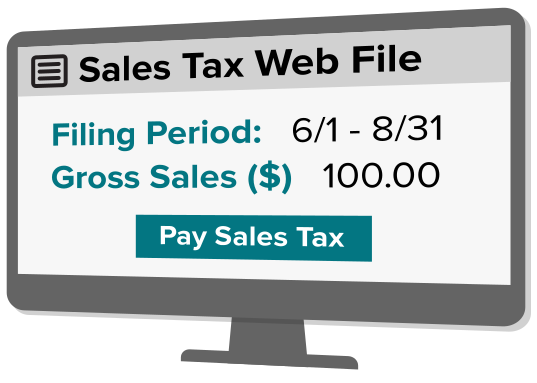
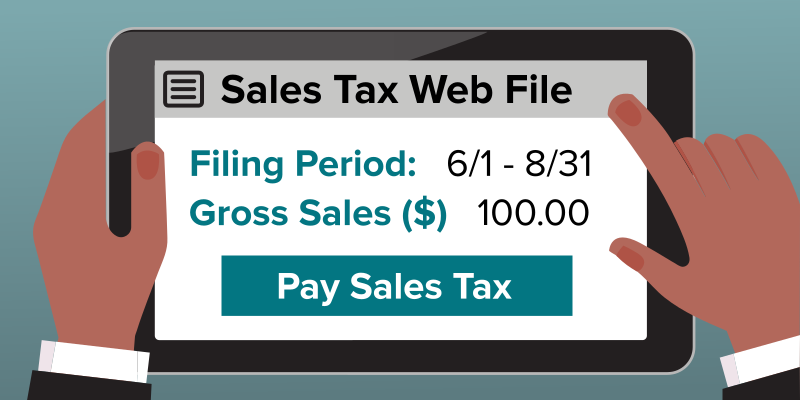
Need to Web File a Sales Tax No-Tax-Due return? Follow these simple steps.
|
We've updated Sales Tax Web File to make it more user and business friendly. Learn more with our:
Login to use Sales Tax Web File
You can access the new features described below through your Online Services account.
Enhancements and updated reporting requirements
Sales Tax Web File enhancements include adjusted reporting requirements that help taxpayers comply with the law and pay the appropriate tax. The online service has an improved look and feel, and allows you to:
- electronically file all schedules, late and amended returns and refund request applications, and
- save your bank account information for future payments.
We'll ask you to report additional information as outlined below.
Sales information
- total non-taxable and exempt sales.
Credit information
- for each jurisdiction for which you report sales, separately report receipts, purchases, and the credits claimed. We'll use this information to compute the net amount of sales on which tax is due. If you have a large number of jurisdictions, you can use the jurisdictional upload to report sales information quickly and easily.
- information about the nature of the credits claimed.
- claiming a credit on your sales tax return.
- documenting your claim
Income information
- the ID numbers of the legal entity that will report the income from the sales reported on the sales tax return. This can be either:
- a business entity (include federal employer identification number), or
- an individual (include social security number).
Phase-in period for new reporting requirements
The new system will be available for returns due after September 20, 2012; returns due on or before September 20, 2012 will be filed under the old system.
We recognize that some of the new reporting requirements may require you to change your recordkeeping or reporting systems. For that reason:
- For the phase-in period of September, 2012, through May, 2013, we will accept returns that don't report the newly-required information.
- We ask that you begin reporting the newly required information as soon as you've updated your recordkeeping systems.
The new reporting requirements will be mandatory beginning with returns for filing periods beginning on or after June 1, 2013. This means for:
Quarterly & monthly filers: the new reporting requirements become mandatory with the return for the June 1 - August 31, 2013 filing period, which is due on September 20, 2013.
Annual filers: the new reporting requirements become mandatory with the return due March 20, 2014.
Optional information reporting
- The amount of deposits to your bank account made by credit and debit card processors.
Other new features
When you file your return, you can electronically provide documentation supporting any claims for a refund or credit.
You can also quickly update the "responsible persons" on your sales tax account. (Responsible persons are those who are personally responsible for payment of the sales and use taxes owed by a business.)
When filing a final return, you can:
- explain the reason you've closed your business, and
- provide information about the sale of your business assets.
Prepaid sales tax on motor fuel and diesel motor fuel
If you prepay sales tax on motor fuel and diesel motor fuel, you can use Sales Tax Web File to file Form FT-945/1045 beginning with returns due after September 20, 2012.
Other changes include:
- Filing returns for reporting periods when you had no activity ("zero returns").
- Motor fuel filers no longer need to report fuel grade for each region.
- You must report credits for each region.
- You must provide information to support all the credits claimed.
Pay directly from your bank account when you Web File
Pay directly from your bank checking or savings account at the time you file for free. You can schedule your electronic payment in advance, through the return due date. You may also save your bank account information for future payments.
Note important bank information: Debit block services protect your bank accounts from unauthorized electronic charges. The block (or filter) provides stringent control over electronic transactions posted to bank accounts. Your bank will only process authorized transactions.
Check with your bank before setting up a debit transaction so your payment will not be rejected by the bank. See our debit block information.
More information